Photo to pattern
A stitch chart or a color-by-number — from the same photo.
Stitch mode makes a counted cross-stitch (or C2C) chart. Paint mode makes a numbered page you fill in, like a store-bought color-by-number. Preview is free.
- 454
- DMC colors
- OXS
- Editor export
- 1–40
- Paint colors
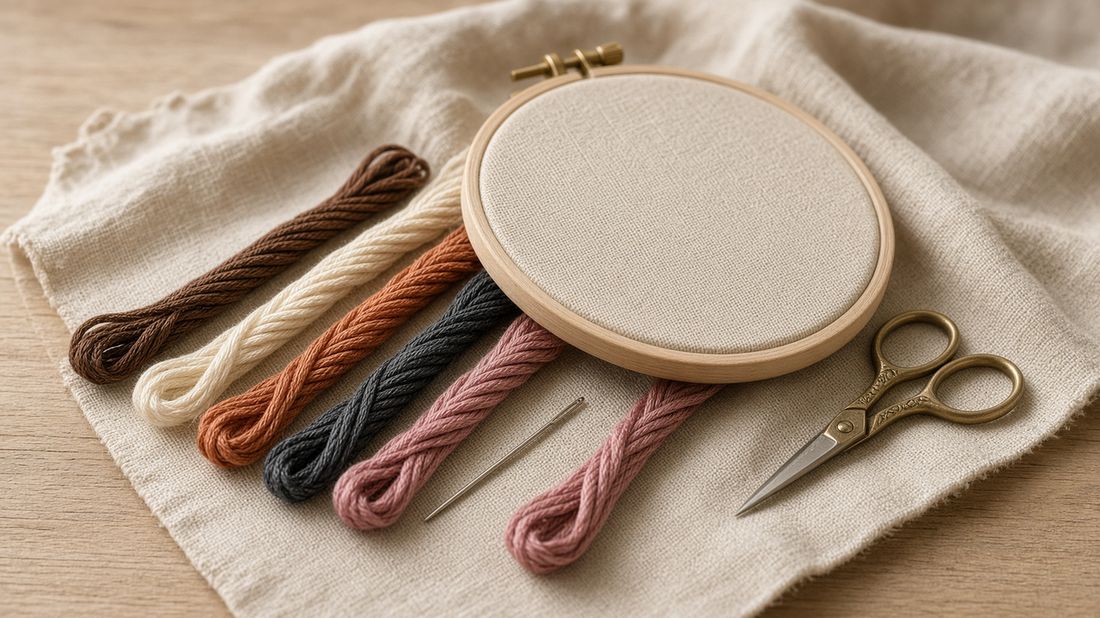
Stitch on Aida or linen. Paint the same picture by number.
How it works
01
Load a photo
Drop any picture. Portraits, botanicals, and pets convert cleanly.
02
Choose Stitch or Paint
Stitch = X’s on fabric. Paint = a page of numbered shapes you fill with real paint.
03
Keep it simple
Fewer colors and fewer tiny spots. Easier to stitch — and much easier to paint.
04
Print the key
Stitchers get a symbol chart. Painters get numbers 1, 2, 3… and a matching color list.
Studio
Make a chart
Upload a photo, pick stitch count and palette, then export a printable key. What do these settings mean?
Your photo and chart stay on this device. Close the tab, log back in, or come back later — the work is still here.
Unlock Hooping
Preview is free. $15 once unlocks print and export on up to 3 family logins. Same key works for you, your wife, and your daughter — each signs in with their own Google or X.
Restoring your chart…